

Rendering has reshaped architecture, turning complex blueprints into photorealistic visuals that help developers, architects, and clients make informed decisions. With tools like ray tracing, real-time rendering, and AI, projects can move faster while offering lifelike previews of spaces yet to be built.
Here’s what you need to know:
- Ray Tracing: Delivers unmatched realism by simulating natural light but requires more time and powerful hardware.
- Real-Time Rendering: Enables instant updates and interactive design reviews, ideal for quick iterations.
- AI Tools: Automate repetitive tasks, enhance visuals, and speed up workflows, saving time on large-scale projects.
Laurent Visuals combines these methods to provide tailored solutions for everything from investor pitches to virtual walkthroughs. Whether you need detailed marketing visuals or fast design iterations, these techniques ensure your project stands out.
Quick Comparison Table:
Method Best For Speed Visual Quality
Ray Tracing Final polished visuals Slower Extremely realistic
Real-Time Rendering Design collaboration Immediate High, less detailed
AI Rendering Large, repetitive projects Fast Improving steadily
With these tools, architects and developers can better communicate ideas, secure approvals, and market properties effectively.
The Ultimate Render Engine Comparison for Architects
Main Rendering Methods in Architectural Visualisation
Laurent Visuals employs three cutting-edge rendering techniques, each tailored to meet specific project needs. Whether the goal is achieving lifelike detail, speeding up design revisions, or leveraging AI for smarter workflows, these methods ensure top-service levels results.
Ray Tracing for Photorealistic Detail
Ray tracing is the gold standard for creating photorealistic visuals. By simulating how light behaves in the real world, it produces highly accurate reflections, shadows, and lighting effects that bring designs to life.
This method works by tracing the path of light from its source as it interacts with various materials and surfaces. For instance, it can replicate the warm glow of timber or the sleek, reflective quality of polished concrete - details that are crucial for conveying the essence of a design.
Ray tracing excels in exterior visualisations where lighting plays a pivotal role. It can recreate the inviting warmth of a sunset for a residential project or the sharp clarity of midday light to highlight the structural features of commercial buildings. These lifelike lighting scenarios help developers showcase their projects in the best possible light.
However, the process is computationally demanding, making it ideal for final presentation images where achieving the highest level of realism is the priority.
While ray tracing focuses on perfection, other methods like real-time rendering prioritise speed and flexibility.
Real-Time Rendering for Better Efficiency
Real-time rendering has transformed the way architects and developers collaborate. Unlike the slower, more resource-intensive ray tracing, this method generates visualisations instantly, enabling rapid feedback and seamless updates.
Using advanced GPUs and optimised algorithms, real-time rendering delivers high-quality visuals in seconds rather than hours. While it doesn’t achieve the same level of detail as ray tracing, it’s more than sufficient for most project needs and offers a significant advantage in speed.
This technology allows clients to explore designs interactively, even from remote locations. For international stakeholders unable to visit a site, this feature makes remote collaboration straightforward and effective, regardless of time zones.
Real-time rendering is particularly valuable during design discussions. Changes to elements like wall colours, furniture placement, or lighting can be implemented and visualised on the spot, cutting down on back-and-forth revisions and keeping projects on schedule.
It also supports immersive virtual reality experiences. By donning a VR headset, clients can walk through their future spaces, gaining a deeper understanding of spatial layouts and design choices. This is especially useful for property developers, who can use these experiences to showcase projects to potential buyers before construction even begins.
This method is perfect for design development, client presentations, and scenarios requiring quick comparisons between multiple design options. Its ability to balance speed with visual quality makes it an indispensable part of Laurent Visuals' process.
And when paired with AI-driven enhancements, the efficiency gains multiply further.
AI-Powered Rendering Improvements
Artificial intelligence is reshaping architectural rendering by automating tedious tasks and boosting visual quality. These advancements streamline workflows and open up new creative possibilities.
One of the most impactful AI applications is automated material application. Instead of manually assigning textures to every surface, AI can analyse a 3D model and apply materials like plaster, brick, timber, or glass based on the specifications. This saves countless hours of manual effort while ensuring accuracy.
AI also enhances lighting setups by analysing environmental data and reducing noise in renders. The result? Sharper images with minimal manual tweaking.
Another game-changing feature is upscaling and detail enhancement. AI can take a low-resolution render and intelligently add detail, producing high-quality visuals from quicker, lower-quality drafts. This capability allows Laurent Visuals to meet tight deadlines without sacrificing quality.
AI’s pattern recognition capabilities add another layer of functionality. It can identify design inefficiencies - like poor natural light distribution or suboptimal furniture layouts - and suggest improvements. For commercial projects, it might even analyse traffic flow to optimise space usage.
Rather than replacing traditional techniques, AI integrates seamlessly with ray tracing and real-time rendering. It enhances these methods, making the rendering process faster, more accurate, and more creative. This integration ensures Laurent Visuals can deliver exceptional results while keeping production times and costs in check.
Together, these advanced rendering methods form the backbone of Laurent Visuals' approach, paving the way for their innovative software solutions discussed in the next section.
Main Tools and Software Used by Laurent Visuals
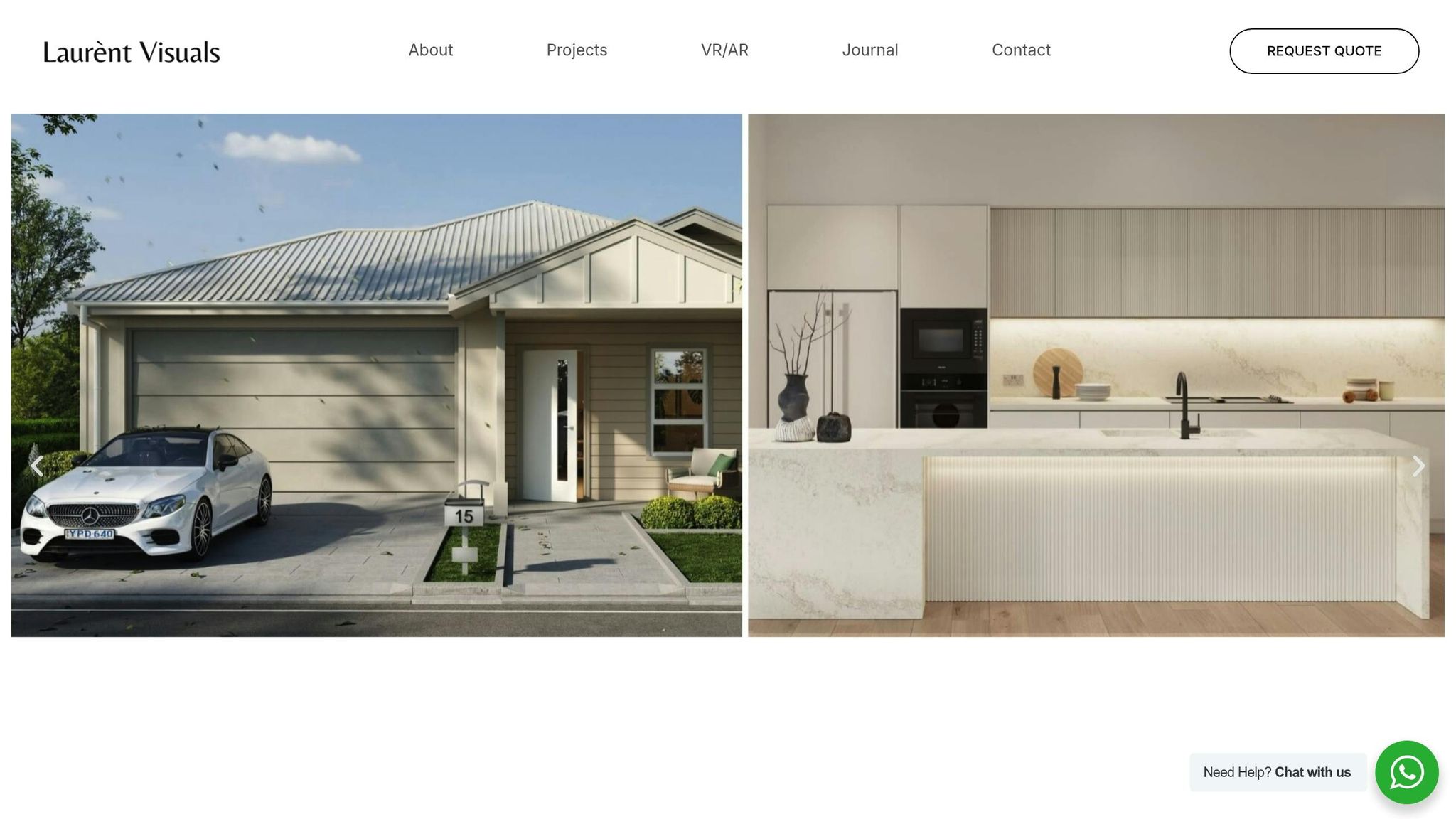
Laurent Visuals relies on a carefully chosen set of software tools to create the high-quality, photorealistic visuals their clients demand. Each program plays a unique role, coming together in a seamless workflow to deliver exceptional results.
Software Essentials: From 3ds Max to Lumion
At the heart of the process is Autodesk 3ds Max, the go-to platform for modelling and scene setup. This software is perfect for crafting detailed 3D models, whether it’s architectural structures or intricate interior designs. Known for its powerful polygon modelling tools and advanced material editor, 3ds Max handles complex projects with ease, even when working with thousands of objects.
Paired with 3ds Max is V-Ray, a rendering engine that brings scenes to life with its advanced ray tracing capabilities. It’s this tool that creates the lifelike lighting, shadows, and reflections that make Laurent Visuals’ work stand out. V-Ray simulates how light interacts with different surfaces, making materials like polished marble or brushed steel look impressively realistic. Together, 3ds Max and V-Ray form a powerful duo, ideal for producing high-end, static renderings that demand absolute precision.
For real-time rendering, Unreal Engine steps in. This tool has changed the game in architectural visualisation, offering instant feedback and enabling interactive experiences like virtual reality walkthroughs. Its dynamic lighting system, known as Lumen, adjusts global illumination in real time, which is particularly useful during client presentations where different lighting scenarios or times of day need to be demonstrated on the fly.
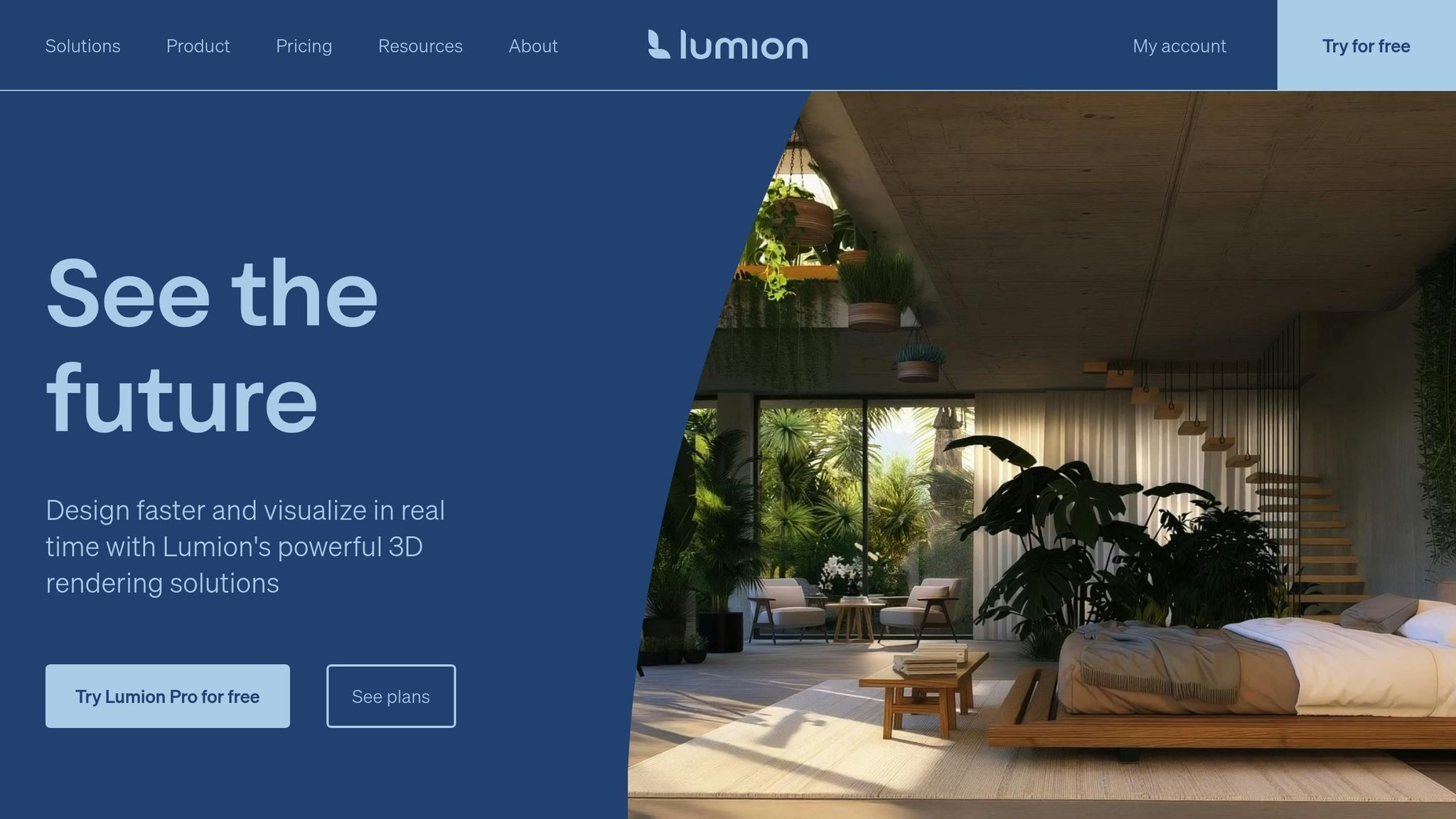
Lumion, on the other hand, is all about speed and simplicity. It transforms 3D models into visually compelling renderings with minimal effort. With its massive library of pre-built materials, vegetation, and atmospheric effects, Lumion is especially effective for creating exterior scenes filled with lush landscapes. Need a site populated with trees and shrubs? Lumion can handle it in minutes.
Additionally, Laurent Visuals uses Blender for crafting organic shapes and Cinema 4D when motion graphics are required.
The secret to Laurent Visuals’ success lies in integrating these tools into a unified, efficient process.
Streamlined Workflow for International Projects
Managing large-scale projects across different time zones requires more than just great tools - it demands a well-organised workflow. Laurent Visuals has developed a system that maximises the strengths of each software program while ensuring everything works seamlessly together.
The process begins with thorough documentation. Here, project requirements, stylistic preferences, and technical details are outlined. This stage is crucial in deciding which software will be most effective. For instance, a residential project might lean on Lumion for its quick turnaround, while a commercial high-rise might demand the precision of 3ds Max and V-Ray.
To keep everyone on the same page, briefing sessions are held with clients to explain the workflow and set clear expectations for deliverables and timelines. This transparency ensures smooth communication and helps avoid misunderstandings.
One of the standout features of Laurent Visuals’ workflow is their use of iterative previews. Tools like Unreal Engine and Lumion allow clients to see updates in real time, cutting down on revision cycles. Instead of waiting days for a static render, clients can provide feedback immediately, keeping projects on track and on schedule.
Version control plays a key role in maintaining consistency. When a model is updated in 3ds Max, the system flags related scenes in Unreal Engine and Lumion, ensuring that all platforms stay synchronised. This prevents the chaos that can arise when juggling multiple applications in complex projects.
Quality assurance checkpoints are built into every stage of the workflow. Before moving a model from one software to another, thorough reviews ensure that materials, lighting, and geometry will translate seamlessly. This step avoids costly errors and ensures a consistent look across all outputs.
Finally, each tool is used to its fullest potential during the output stage. V-Ray delivers high-resolution marketing images, Unreal Engine powers interactive presentations, and Lumion handles quick design variations. This multi-platform approach ensures that clients get the right visual solution for their specific needs.
With this organised and scalable system, Laurent Visuals can handle anything from a single residential project to multiple commercial developments across the globe. Their methodical approach ensures that every project benefits from the same level of care and precision, no matter the size or complexity.
sbb-itb-1b6d2bc
Rendering Methods Compared: Benefits and Drawbacks
Now that we've explored the specifics of various rendering methods, let's weigh their benefits and limitations to help you make an informed choice.
Picking the right rendering technique can make or break a project's success. Each method comes with its own strengths and weaknesses, and the right choice will depend on factors like client needs, deadlines, and budget constraints.
Ray tracing creates stunningly realistic images, but it comes at the cost of longer rendering times and the need for high-performance hardware.
Real-time rendering provides instant feedback, which is great for collaborative design work, though it may fall short of the photorealism achieved by ray tracing.
AI-powered rendering speeds up the rendering process using machine learning, but it requires a complex setup and specialised expertise to implement effectively.
Comparison Table of Rendering Methods
Criteria Ray Tracing Real-Time Rendering AI-Powered Rendering
Visual Quality Extremely realistic High, but less detailed Improving steadily as technology advances
Rendering Speed Slower due to heavy computations Immediate feedback Faster compared to traditional methods
Hardware Requirements Demands high-end, specialised gear Moderate to high-end hardware Needs AI-specific hardware
Client Interaction Ideal for polished final visuals Great for interactive collaboration Limited interaction during processing
Project Cost Impact Higher due to time-intensive work More budget-friendly for quick updates Costs vary depending on project scope
…continued on the original article.